UI/UX Design Training in Mohali | Hands-On ProjectsUI/UX Design Training in Mohali: Learn by Designing, Not Just Watching - Solitaire Infosystems
Request a Quote !

Request a Quote !

Request a Quote !

Blogs

UI/UX Design Training in Mohali: Learn by Designing, Not Just Watching

  • By: admin
  • date: Apr 18, 2025
Blog Image

Most people who want to get into UI/UX design hit the same wall. They have watched hours of tutorials. They know what a wireframe is and can explain the difference between UI and UX. But when someone asks to see their work, there is nothing to show.

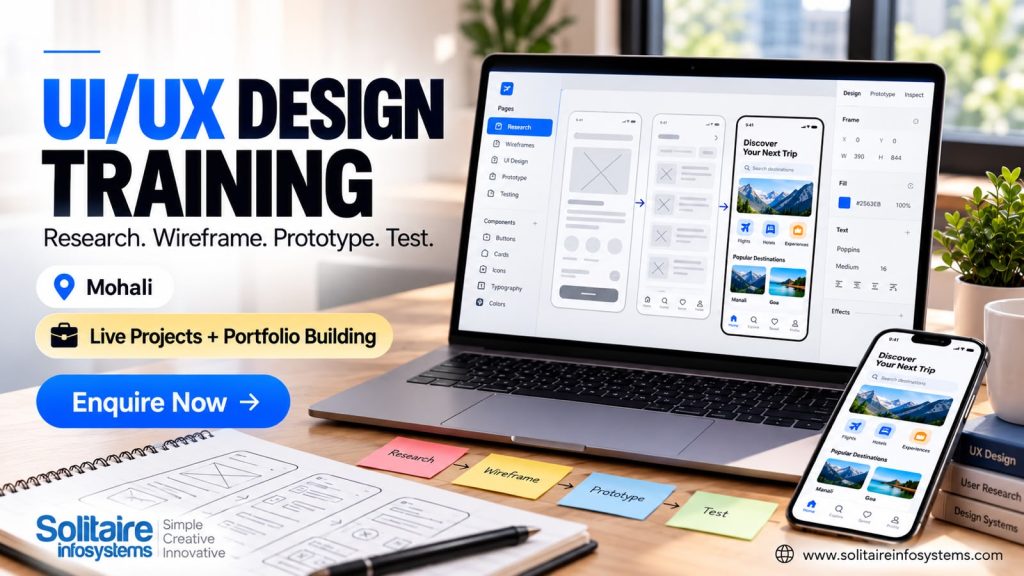
Our UI/UX design training in Mohali is built to close that gap. At Solitaire Infosystems, you work through the full design process — research, user flows, wireframes, prototypes and testing — on live projects, with mentor feedback and the tools design teams use every day: Figma, Adobe XD and Photoshop.


UI vs UX, in Plain Terms

UX (user experience) is about how a product works for the person using it. Can they find what they need? Does the checkout make sense? Where do they get stuck and give up? UX designers answer those questions through research, user flows and testing.

UI (user interface) is what people see and tap: layout, buttons, colour, typography, spacing. Good UI makes a well-planned experience feel obvious.

The two overlap all the time, which is why most training — and most jobs — treat them together. A beautiful screen that confuses people has failed. So has a perfectly logical flow that looks untrustworthy.


What You Will Learn in the UI/UX Design Training

The programme follows the order a real design project usually takes, so each skill builds on the one before it.


UX Research and User Behaviour

Before designing anything, you learn to ask who the users are and what they are trying to get done. That means talking to people, watching how they use existing apps and websites, and turning what you notice into clear problems worth solving.


Information Architecture and User Flows

Next, you organize content so people can actually find it, and map the steps a user takes to finish a task. Drawing these as flow charts makes unnecessary steps easy to spot — long before a single screen is designed.


Wireframing and Prototyping

Wireframes are rough layouts: quick to make and quick to throw away. Prototypes turn them into clickable screens, so you can feel how the product works before anything is built. Most of this happens in Figma and Adobe XD.


Interaction Design and UX Testing

How should a button respond when tapped? What does the user see after submitting a form? You design these details, then put the prototype in front of real people and watch where they hesitate. Testing is often where a favorite idea gets humbled. That is exactly why it matters.


Visual and Graphic Design Skills

Many design roles expect more than app screens. The training also covers typography, logo design, mock-ups, banners, posters, illustrations and video editing, with Photoshop among the tools you will use.


Why Hands-On Practice Beats Theory

Design is learned by trying, getting feedback and trying again. Reading about usability principles is useful. Watching a tester fail to find your “Sign Up” button teaches you far faster.

That is why the training leans on live projects and collaboration. You present your design decisions, hear what your mentor thinks, and revise. It is close to how feedback works inside a real design team, where almost nothing is right on the first pass.

If you want longer exposure to a working environment after the training, our IT internship programme is the natural next step.


Turning Projects into a UI/UX Design Portfolio

When you apply for design roles, the first thing most people ask for is your portfolio. The second is usually: “Walk me through this project.”

A strong case study shows more than polished screens. It explains:

  • the problem you were solving, and who it was for
  • what you learned from research
  • your user flow and early wireframes
  • what changed after testing, and why
  • the final design

Project work during the training — website and mobile app screens, user flows, prototypes and redesigns — gives you material for exactly this kind of case study. To see what finished design work looks like, browse our UI/UX design portfolio.


Who Is This Training For?

  • Students and recent graduates who want a practical, portfolio-building skill alongside their degree
  • Graphic designers who want to move into website and app design
  • Developers who want to understand why interfaces are designed the way they are
  • Career switchers with a good eye and patience for problem-solving

Coding is not the focus of UI/UX design. What you do need is curiosity about how people use things and a willingness to have your work critiqued. If you are not sure the course is right for you, talk to our team before you join.


Where UI/UX Skills Can Take You

UI/UX skills lead into roles such as UI designer, UX designer, product designer, visual designer and interaction designer. With more experience, some designers specialize in UX research.

Which path suits you depends on what you enjoy. If you like understanding people and solving problems, you will lean towards UX. If layouts, colour and type excite you, UI is the stronger fit. Either way, employers look closely at your portfolio and practical work — so treat every training project as a future portfolio piece.


Why Choose Solitaire Infosystems in Mohali?

The training is designed around doing the work, not just hearing about it. You get live projects, mentors who review your designs, the chance to work alongside other learners, and practice in the same tools used across the industry.

Being based in Mohali also makes it easy to reach for learners from Chandigarh and the rest of the Tricity. Students who want a shorter, project-led option during the break can also look at our summer UI/UX design internship course in Mohali.


Frequently Asked Questions


What is UI/UX design training?

It teaches you how to design digital products people find easy to use — from user research and user flows to wireframes, prototypes, interaction design and testing — along with the visual skills to make those designs look good.


Do I need coding knowledge to learn UI/UX design?

No. UI/UX design is about understanding users and designing the experience. A basic idea of how websites and apps are built helps when you work with developers, but it is not a requirement to start.


Which tools will I use during the training?

You will work with Figma and Adobe XD for wireframing and prototyping, and Photoshop for visual and graphic design work.


Will I work on live projects?

Yes. Live projects are a core part of the training, along with mentor feedback, so you build practical work you can later present in your portfolio.


How long is the course, and what are the fees?

Duration and fees depend on the batch and format you choose. Contact our team for current details and upcoming batch dates.


Talk to Us About the Next Batch

If you are ready to stop collecting tutorials and start building real design work, get in touch with Solitaire Infosystems in Mohali. Ask us about the programme, upcoming batches, timings and fees. And if you have already tried some design work on your own, bring it along — it gives us a useful place to start.

About the Author

Comments