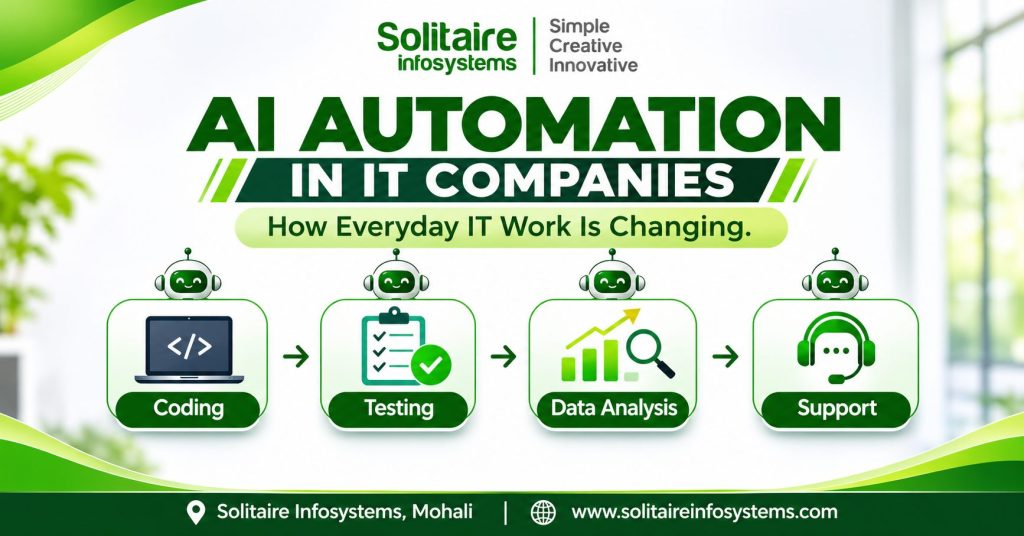
AI Automation in IT Companies: 7 Ways Daily Work Is Changing
Request a Quote !

Request a Quote !

Request a Quote !

Blogs

How AI Automation in IT Companies Is Changing Everyday Work

  • By: admin
  • date: Nov 18, 2026
Blog Image

AI automation in IT companies is mostly taking over the repetitive parts of the job: first drafts of code, routine test runs, log scanning, ticket sorting and meeting notes. The people haven’t gone anywhere. What has changed is where their time goes. Less of it is spent on the grind, and more on reviewing, deciding and fixing what the tools get wrong.

Below are seven areas where that shift shows up day to day, the tools teams actually use, and the skills worth building if you want to work alongside these systems. This guide comes from the trainers at Solitaire Infosystems, an IT training and software development company in Mohali that teaches AI agents and workflow automation.


What is AI automation?


AI automation is the use of artificial intelligence inside automated workflows, so software can handle tasks that need some judgement (reading a message, classifying it, summarizing a document) instead of only following fixed rules.

Regular automation is a script that does exactly what it’s told: if a form is submitted, send this email. AI automation adds a step that interprets. It can read the form, work out whether it’s a complaint or a sales enquiry, and send it to the right person with a short summary.


Traditional automation AI automation
How it works Fixed if-then rules Recognizes patterns in text, data or images
Handles new situations? No — breaks or skips Often, but can be wrong
Support chatbot example Picks from preset answers Understands the question and suggests a fix
Needs human review? Rarely, once tested Yes, for anything important


How is AI automation changing work in IT companies? 7 examples


1. Software development: faster first drafts, more review


Developers now use coding assistants such as GitHub Copilot inside the editor, and chat tools like ChatGPT or Gemini to explain an error message or a piece of unfamiliar code. Typical uses:

  • Autocompleting functions and boilerplate while typing
  • Explaining what a block of legacy code does
  • Writing a first set of unit tests
  • Drafting comments and documentation

Where it goes wrong: AI-generated code often runs fine and still has problems: an outdated library method, missing input validation, a security gap. A good habit is to treat every suggestion like a pull request from a new junior developer. Read it, test it, and only then merge it.


2. Software testing: fewer repetitive checks


Running the same regression suite after every release is exactly the kind of work AI handles well. Testing tools can generate test cases from a requirement, suggest edge cases, and in some UI testing tools, update element locators when a page layout changes so scripts don’t break.

Where it goes wrong: generated test cases tend to cover the happy path, where the user does everything correctly. Testers still have to think about the wrong password entered five times, the file that’s too large, or the payment that times out.


3. Customer support: routine queries handled, hard ones escalated


A support chatbot can now understand “I can’t log in after changing my phone” and walk the user through a reset. Behind the scenes, AI also tags incoming tickets by type and urgency, routes them to the right team, and gives the human agent a summary so they don’t have to read a long email thread.

Where it goes wrong: bots that never hand over to a person. The good setups have a clear escalation point.


4. Data analysis: cleaner data, faster queries


Analysts use AI to clean messy spreadsheets, turn a plain-English question (“which product sold best in Punjab last quarter?”) into a SQL query, flag unusual spikes, and write a first summary of a report.

Where it goes wrong: a query that runs without errors but joins the wrong table. The numbers look believable and are wrong. Always cross-check a sample of the results by hand.


5. Digital marketing: research and drafts in less time


SEO and marketing teams use AI to group keywords by intent, build content briefs, draft email sequences and summarize campaign reports. A task like sorting 500 keyword ideas into topics, which used to take an afternoon, can now be done in minutes.

Where it goes wrong: AI drafts tend to sound the same as everyone else’s. Brand voice, audience understanding and strategy still come from people.


6. IT operations and monitoring: less alert noise


Operations teams deal with thousands of log lines and alerts. AI-based monitoring (often called AIOps) groups related alerts, spots unusual activity on servers or networks, and highlights possible security threats so engineers look at the right problem first.

The decision to restart a server, block an IP or roll back a release still sits with the engineer.


7. Documentation and communication: quicker first drafts


Meeting summaries, release notes built from commit messages, first drafts of technical documents and client emails are now routinely AI-assisted. A developer might ask an assistant to explain a new feature in plain language, then edit it before sharing with the team.

Where it goes wrong: pasting confidential client code or data into a public AI tool. Most companies have rules about which tools are approved, so check before you paste.


Which AI automation tools do IT companies use?


The tools fall into three groups: AI assistants for thinking and drafting, coding assistants, and workflow platforms that connect apps.


Tool Main use in IT work Coding needed?
ChatGPT Explaining code, research, drafting documents No
Google Gemini Research, summaries, Google Workspace tasks No
Perplexity AI search with cited sources for research No
GitHub Copilot Code suggestions inside the editor Yes
Zapier Connecting apps with no-code workflows No
n8n Building workflows and AI agents; can be self-hosted Low-code
UiPath Robotic process automation (RPA) Low-code
Microsoft Power Automate Automating Microsoft 365 business processes Low-code


The right choice depends on the job. A testing team and a marketing team in the same company will usually end up with different tools.


Will AI automation replace IT professionals?


For most roles, no, but it is changing what entry-level work looks like. The tasks freshers traditionally learned on, like writing boilerplate code, running manual test cycles and first-line support, are the ones being automated first.

That means freshers need to show they can do the parts AI can’t: understand what a client actually needs, debug a problem the tool can’t explain, check whether a suggested fix suits this particular application, and connect systems together. An AI tool may suggest a fix for a programming error. Deciding whether that fix is right is still the developer’s job.


What skills should students learn for AI automation?


  1. Python or JavaScript. Enough to read, edit and debug what an AI tool writes.
  2. SQL and basic data handling. Most automation moves data from one place to another.
  3. APIs, JSON and webhooks. This is how apps talk to each other, and the core of any workflow.
  4. One workflow platform. Learn n8n, Zapier or Power Automate properly rather than all three on the surface.
  5. Prompting and checking output. Writing clear instructions, then verifying the result instead of trusting it.
  6. Git basics. So your projects are versioned and shareable with a recruiter.

Small projects teach more than tutorials. Two good starters: a workflow that reads new form responses, sorts them with AI and emails a summary; or a Python script that takes a CSV file and writes a plain-English report of the main trends.


What comes next: AI agents


The next step is AI agents, which are systems that can carry out several connected steps on their own. A support agent, for example, could read a customer email, classify the issue, create a ticket, notify the right team and draft a reply for a human to approve.

That last part matters. Most companies running agents keep a person in the loop for anything that reaches a customer or touches money. Learning to design those checkpoints is quickly becoming a skill in its own right.


Where can you learn AI agents and automation in Mohali?


Solitaire Infosystems runs an AI Agents & Automation Training Program at its centre at C-110, Phase 7, Industrial Area, Mohali. The program covers AI-powered tools, intelligent agents and workflow automation, with a focus on automating tasks, connecting applications and building practical solutions.

It suits students, freshers and working professionals who want hands-on experience with how modern IT workflows run. Solitaire also offers 6 weeks and 6 months industrial training, 6 months internship, Stipend based internships and a January 2027 batch is planned for 6 months industrial training and internships.

See the modules and batch details on the AI Agents & Automation Training Program page , or contact the Mohali team  to speak with a trainer.

For more courses and services, visit the Solitaire Infosystems website. For no-code workflow examples, the official n8n documentation is a good place to practice.


Frequently Asked Questions


What is AI automation in IT companies?

It is the use of AI inside automated workflows to handle or support tasks such as coding, testing, data analysis, customer support and IT monitoring. The AI handles the repetitive part; people review the output and make the decisions.


Can beginners learn AI automation without coding?

Yes, to start. Tools like Zapier and Power Automate let you build workflows without code. To build anything advanced, such as custom AI agents or API integrations, basic Python or JavaScript helps a lot.


How long does it take to learn AI automation?

With basic computer skills, you can build a simple no-code workflow within a few days of practice. Getting comfortable with APIs, Python and AI agents usually takes a few months of regular, project-based learning.


Is learning AI automation worth it for freshers?

For most IT roles, yes. Companies increasingly expect new hires to use AI tools in their daily work and to check the output properly. Pairing these skills with a core subject like development, testing or data analysis makes a stronger profile than AI tools alone.


Which AI automation tools should I learn first?

Start with one AI assistant (ChatGPT or Gemini) and one workflow tool (n8n or Zapier). If you plan to code, add GitHub Copilot once you are comfortable writing basic programs yourself.

About the Author

Comments