How Students Can Write Better AI Prompts - Solitaire Infosystems
Request a Quote !

Request a Quote !

Request a Quote !

Blogs

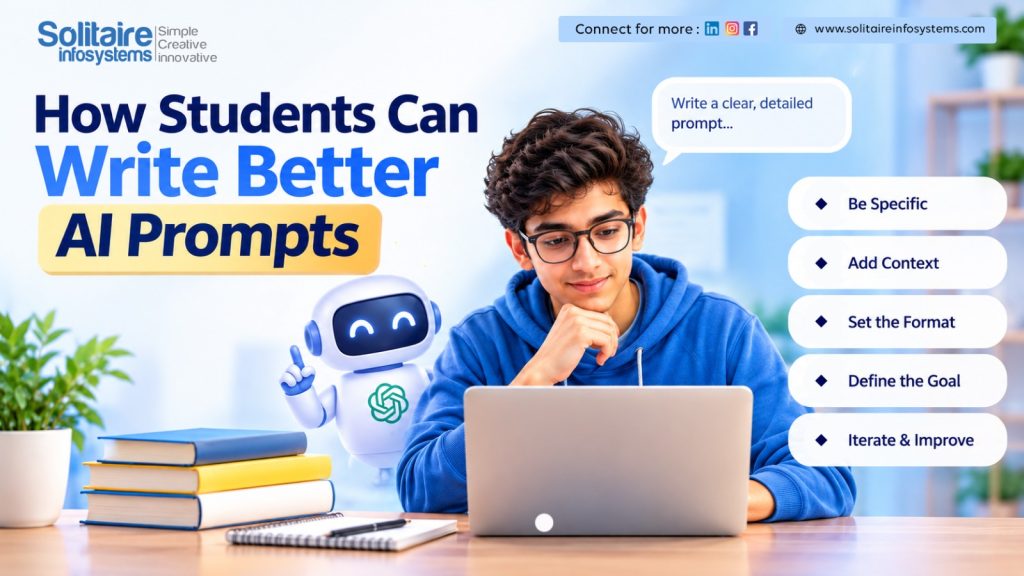
How Students Can Write Better AI Prompts

  • By: admin
  • date: Oct 17, 2026
Blog Image

Ask an AI tool a one-line question and you will usually get a long, polite answer that says very little. Most students blame the tool. Most of the time, the real problem is the question.

AI doesn’t know your subject level, your syllabus or what you’re trying to finish by tonight. It fills those gaps with guesses. The more of that missing information you supply, the less it has to guess, and the more useful the answer becomes. This post covers four simple habits for writing prompts, with examples you can copy and adjust.


Why short, vague questions fail

Type “Tell me about marketing” and the AI has no idea whether you’re in Class 11 or doing an MBA, whether you need a definition or a project idea, or whether you want two lines or two pages. So it plays safe and gives you something broad that fits everyone and helps no one.

Think of it less like a search bar and more like a capable classmate who has read a lot but knows nothing about your situation. You wouldn’t hand that classmate a single word and expect a perfect answer. You’d explain what you need.


Four things to put in a good prompt

  • Give it a role. Tell the AI who to be, for example “Act as a patient maths tutor” or “Act as a senior web developer reviewing a junior’s work.” The role shapes the tone and the depth of the answer.
  • Share your context. Mention your course or year, what you already understand, and what you’re working on. “I’m a second-year BCA student and I understand loops but not functions” gets a very different answer from no context at all.
  • Choose the format. Say whether you want bullet points, a step-by-step guide, a short summary or a table. If you don’t say, you get a wall of text.
  • Set limits. Ask it to stay under a word count, skip jargon, or avoid certain topics. Limits stop the answer from wandering.


A weak prompt and a better one

Here is the same request written twice. First, the version most of us type when we’re in a hurry:

Explain databases.

And the version that tells the AI what we actually need:

Act as a computer science teacher. Explain how a database works to a first-year college student who has never used one. Start with an everyday analogy, then give three key points as bullets. Keep it under 150 words.

The second prompt is only a few sentences longer, but it covers role, audience, format and length. You can paste it straight into any AI tool and change the topic to whatever you’re studying.


Using AI to learn, not just to finish homework

There’s a real difference between asking AI to do your work and asking it to help you understand your work. Coding is a good example. If you paste a program and ask for the fixed version, you get working code and learn nothing. Try this instead:

Here is my Python code for a simple to-do list. Find any bugs and explain each one in plain language, as if I’m a beginner. Don’t give me the corrected code. I want to fix it myself.

You still get the benefit of a second pair of eyes, but the fixing, which is where the learning happens, stays with you.

One more habit worth building: check what the AI tells you. These tools can state wrong things with complete confidence, especially dates, numbers and references. Compare important answers with your textbook, class notes or teacher. And before you use AI for graded work, check your college’s rules on it.


Common questions

Why do my AI answers always sound generic?

Usually because the question is too broad. Compare “Tell me about marketing” with “Explain how social media marketing works using a small coffee shop as the example.” The second one gives the AI something specific to work with.

Do I need to write long prompts every time?

No. Two or three sentences are enough if they cover who the AI should be, what you need, and how you want the answer laid out.

Can I use AI for coding practice without copying answers?

Yes. Ask it to review your code, point out problems and explain them, and tell it clearly not to write the solution. The Python prompt above is a good starting point.

Can I trust everything AI says?

No. Treat it as a helpful first draft and verify anything important before you rely on it.


A template to try today

Next time you’re stuck, fill in the blanks of this structure and see how the answer changes:

Act as a [role]. I’m a [your level or course] and I already know [what you understand]. Help me with [your task]. Give the answer as [format], and keep it [length or limits].


Where hands-on practice fits in

Good prompting will make coursework easier, but it won’t replace the experience of building something with other people. If you’re a student in the Mohali–Chandigarh area and want that experience, Solitaire Infosystems runs stipend-based internships in areas such as full-stack development and mobile apps, where you work on real projects and get feedback from experienced developers.

Have a look at the internship details to see whether it suits where you are in your course.


Solitaire Infosystems — helping freshers build skills and confidence through hands-on, stipend-based learning.

Call: 9876656700   |   Email: info@solitaireinfosystems.com   |   Web: www.solitaireinfosystems.com

About the Author

Comments