Solitaire Infosystems Certificate Verification: Check Online
Request a Quote !

Request a Quote !

Request a Quote !

Blogs

Solitaire Infosystems Certificate Verification: How to Check a Certificate Online

  • By: admin
  • date: Nov 14, 2026
Blog Image

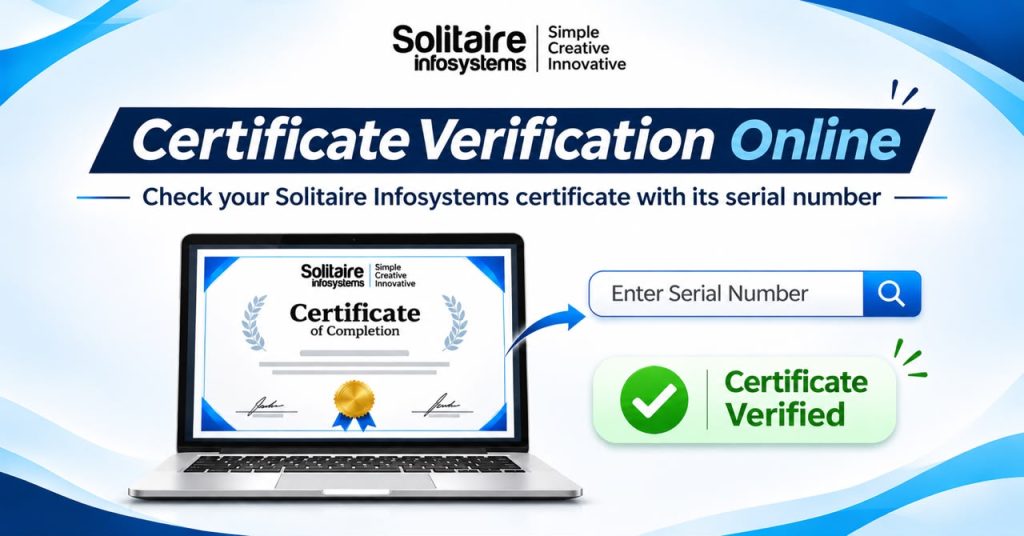
To complete a Solitaire Infosystems certificate verification, open the official certificate verification page, type the serial number printed on the certificate and click Submit. Anyone with the serial number can run the check: the student, an employer or a college.

This guide covers where to find the serial number, what to do if the check fails, and what employers should look for.


How do I verify a Solitaire Infosystems certificate online?

Open the verification page: https://solitaireinfosystems.com/certificate/

Find the serial number printed on your internship or industrial training certificate.

Type it into the “Enter Your Serial Number” field exactly as it appears, including any letters, hyphens or slashes.

Click Submit.

Read the result on screen. If you see an error or nothing clear comes back, go to the troubleshooting section below.

Tip: type the number rather than copy-pasting it from a PDF or photo. Copied text often carries hidden spaces that make a valid number fail.


Who can verify a certificate, and how?


If you are… What to do
A student or fresher Enter the serial number from your own certificate and keep a clear scan of it ready to share.
An employer or HR team Ask the candidate for the certificate copy, enter its serial number on the verification page, and compare the result with the copy you received.
A college or university Use the same page with the serial number from the submitted certificate, or contact Solitaire Infosystems if you need written confirmation.


When will you need a verified certificate?


Most students only think about verification when someone asks for it. These are the usual moments:

  • Job applications: recruiters often check training listed on a fresher’s resume during background verification.
  • College submissions: many universities ask for proof of industrial training or internship as part of the degree.
  • Onboarding: some companies ask new joiners to submit training certificates as part of document checks.

Keep a clear scan of your certificate and note the serial number somewhere safe, so you can share both quickly.


What if my certificate cannot be verified?


A failed check does not mean the certificate is invalid. In most cases it is one of these:

  1. Look-alike characters: O and 0, I and 1, S and 5 are easy to mix up on a printed certificate.
  2. Wrong number: an enrolment ID, batch code or date entered instead of the serial number.
  3. Extra spaces: usually from copy-pasting.
  4. Page or connection issue: reload the page and try again.

Still stuck? Contact the Solitaire Infosystems team and include your full name, program, batch or completion month and a scan of the certificate. That gives the team everything needed to check it in one go.


About Solitaire Infosystems


Solitaire Infosystems Pvt. Ltd. is a software development company in Mohali, Punjab, that also runs job-oriented IT training. Its programs include stipend-based and regular internships and 4-week, 6-week and 6-month industrial training in Mohali in areas such as Python, AI/ML, MERN stack, web design, UI/UX, digital marketing, software testing and cyber security. Every certificate it issues carries a serial number that can be checked on the verification page.


Frequently asked questions


How do I verify a Solitaire Infosystems certificate?

Go to the certificate verification page at solitaireinfosystems.com/certificate, type the serial number printed on the certificate into the “Enter Your Serial Number” field and click Submit.


Where is the serial number on my certificate?

It is printed on your internship or industrial training certificate. Use that number only, not your enrolment ID, batch code or the issue date.


Can an employer verify my internship certificate without me?

Yes, as long as they have the serial number. Anyone with the number from the certificate can submit it on the verification page.


What if my serial number is not accepted?

Re-check every character, especially O and 0 or I and 1, and remove any extra spaces. If it still fails, contact Solitaire Infosystems with a scan of your certificate.


Does a failed check mean my certificate is fake?

No. Most failed checks come from a typing error or a temporary technical issue. The team can confirm the certificate directly if the online check does not work.


Have your certificate ready? Verify your Solitaire Infosystems certificate now. For anything the online check can’t answer, the contact page reaches the team directly.

About the Author

Comments